
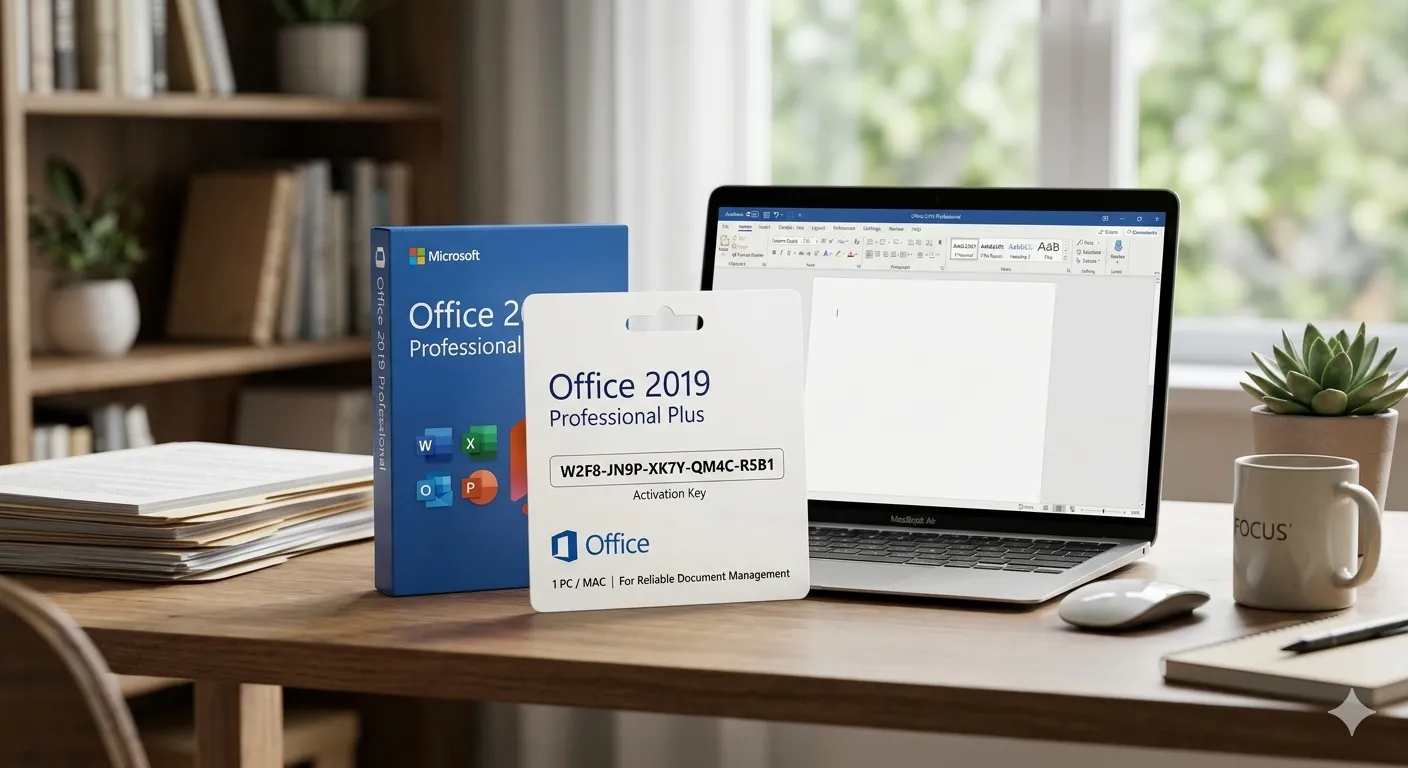
Good document management starts with the right tools. A busy user may need to write reports and check figures or prepare slides for a meeting. Microsoft Office 2019 Professional was built to support these everyday tasks through a set of familiar desktop apps. It can help keep work clear and organised. Yet choosing an older Office edition needs care. Buyers should understand its features and support status before selecting a licence or planning an installation.
One Suite Many Tasks
Office 2019 Professional brings several useful apps into one suite. Word supports letters and long reports. Excel helps users manage figures and build charts. PowerPoint is useful for talks and business plans. Outlook can keep email and calendar tasks in one place. Access and Publisher offer tools for more specific needs. Each app serves a different purpose. Together they can reduce the need to move between separate programs when handling common office work.
Read The Licence Terms
A product key is linked to a specific Office edition and licence type. Before buying an office 2019 professional activation key, check that the offer names the correct edition. Read the licence period and device terms with care. Some offers may be for a different Office version or a renewal rather than a new licence. Keep the order record after purchase. A clear seller description helps you know what is included and reduces the risk of choosing the wrong product.
Shape Polished Documents
Word can do much more than put text on a page. Users can add headings and tables to make long documents easier to read. Page layout tools help set margins and spacing. Styles can keep the same look across a report. This is useful when a file has many sections or needs regular updates. Save a clean copy before making major edits. Give each version a clear name so the latest file is easy to find.
Turn Data Into Meaning
Excel is useful when a task involves lists or figures. A small business can use it to track costs and payments. A student can use it to organise research data. Formulas handle basic sums while charts help show patterns. But a sheet is only useful when its data is correct. Check cell references and formula results before sharing the file. Add clear labels to each column. This makes the workbook easier for another person to understand. Charts can make figures easier to read at a glance.
Give Ideas A Visual Form
PowerPoint helps turn notes into a visual presentation. Users can add text and images to explain a point. A simple layout often works better than a slide filled with words. Keep each slide focused on one idea. Use the same font style across the deck and check the order before presenting. These small choices help the audience follow the message. Save a backup copy so a technical issue does not leave you without the presentation. Keep slide text short so the audience can follow each point.
Compare The Older Editions
Some users still have Office 2013 on an older computer. They may search for office professional plus 2013 activation while comparing it with Office 2019. The two editions have different features and licence requirements. Office 2013 reached the end of support on April 11 2023. Office 2019 support ended on October 14 2025. Neither receives standard security updates now. Users who handle sensitive files should consider a currently supported Office option.
Set Up With Care
Before setup begins, check the computer and the installer. Make sure the selected edition matches the licence you bought. Review the system requirements and confirm that enough storage is available. If an older Office version is already installed, check whether it should be removed first. Follow the official installation steps and enter the key only in the proper activation window. Avoid key generators and unknown activation scripts. They can create security risks and do not provide a valid licence. Close other apps during installation and restart the device after setup finishes.
Conclusion
Office 2019 Professional offers familiar tools for document work and data tasks. However, its support has ended, so buyers should weigh that limit before choosing it. Check the licence and device terms carefully. For software options and product information, visit key-softs.com and compare the details before making a decision. Consider supported alternatives for ongoing work.